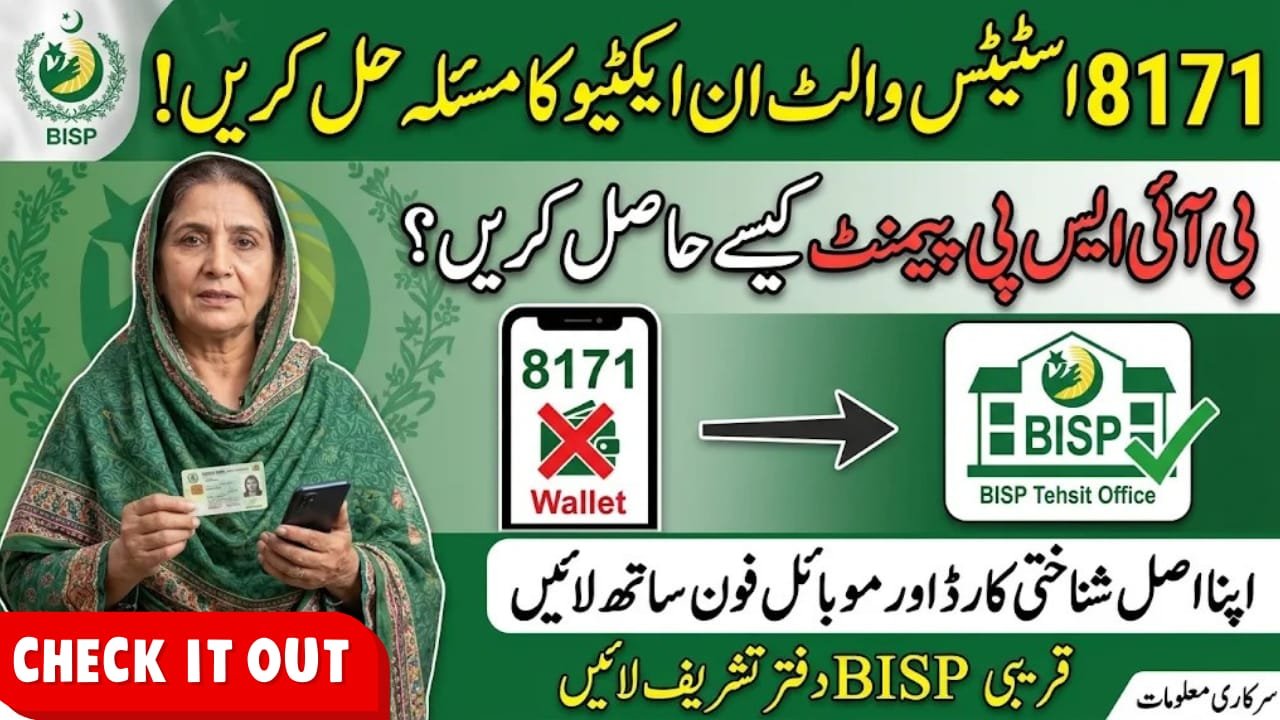
8171 Status Wallet Inactive
8171 Status Wallet Inactive is a problem that can prevent BISP beneficiaries from accessing their digital payment services. Many women receiving assistance through the Benazir Income Support Programme may see this message while checking their payment information. The issue can relate to incomplete wallet activation, SIM verification or beneficiary account status. BISP has introduced Social Protection Wallets and free Benazir SIMs to improve payment delivery. This guide explains how to resolve wallet activation problems, which documents to carry and how to protect your BISP payment.
Quick Information Table
| Detail | Information |
|---|---|
| Programme | Benazir Income Support Programme |
| Wallet System | Social Protection Wallet |
| Country | Pakistan |
| Responsible Department | BISP |
| Official SMS Number | 8171 |
| Helpline | 0800-26477 |
| SIM Charges | Free |
| Activation Method | Through designated BISP staff |
| Required Document | Original CNIC |
Overview of 8171 Status Wallet Inactive
BISP has introduced a digital wallet system to make financial assistance more secure and convenient. Under this system, eligible women receive a designated Benazir SIM, which BISP uses to activate their Social Protection Wallet.
When beneficiaries see a wallet inactive message, it means the wallet or linked payment account is not showing an active status. However, this message alone does not identify the exact reason.
Incomplete verification, pending activation or account-related issues may require assistance from BISP staff.
Latest BISP Wallet Update 2026
BISP has confirmed that eligible women can receive free Benazir SIMs through designated BISP offices and payment camps.
According to the programme’s official instructions, beneficiaries must bring their original CNIC and personal mobile phone. BISP staff handle the wallet activation process.
The programme has also warned beneficiaries not to pay anyone for SIM issuance or wallet activation. The number 8171 remains the official communication number for BISP beneficiaries.
How to Fix 8171 Status Wallet Inactive
Follow these steps to resolve the issue safely.
1. Visit Your Nearest BISP Tehsil Office
Visit your nearest BISP office with your original CNIC and personal mobile phone. Explain that your wallet status is showing inactive and request verification of your beneficiary record.
2. Check Your Benazir SIM
Make sure you have received your designated Benazir SIM. If you have not received it, ask BISP staff about collection from an authorised centre.
Do not purchase a SIM from an unknown agent for wallet activation.
3. Complete Biometric Verification
BISP may require biometric verification to confirm your identity. Provide your fingerprints when requested by authorised staff.
If fingerprint verification fails repeatedly, ask the office about the alternative verification procedure.
4. Request Wallet Activation
Ask the BISP representative to check whether your Social Protection Wallet has been activated correctly.
Wallet activation through the designated BISP process is free. Do not share your CNIC details, OTP or personal information with unauthorised agents.
5. Check Your Status Again
After the verification process, check your beneficiary information through the official 8171 service. Wait for an official confirmation before visiting a payment centre.
Eligibility Criteria
The wallet facility is intended for registered and eligible BISP beneficiaries.
Applicants and existing beneficiaries should:
- Have a valid Pakistani CNIC.
- Maintain an active BISP beneficiary record.
- Complete the required identity verification.
- Obtain the designated Benazir SIM when instructed.
- Follow official BISP wallet activation procedures.
Having an inactive wallet does not automatically mean that your BISP eligibility has been cancelled.
Required Documents
Carry the following items when visiting a BISP office:
- Original CNIC.
- Personal mobile phone.
- Benazir SIM, if already issued.
- Previous BISP payment messages, if available.
- Any verification documents requested by BISP staff.
How to Check BISP Payment Status Through 8171
- Open the SMS application on your mobile phone.
- Enter your 13-digit CNIC number without spaces or dashes.
- Send it to 8171.
- Wait for the official response.
- Follow the instructions provided in the message.
You can also check your information through the official 8171 web portal.
Frequently Asked Questions (FAQs)
1. What does 8171 Wallet Inactive mean?
It means your linked digital wallet or payment account is not showing an active status in the system.
2. How can I activate my BISP wallet?
Visit your nearest designated BISP office with your original CNIC and personal mobile phone. Ask authorised staff to check and complete the activation process.
3. Is Benazir SIM registration free?
Yes. BISP provides designated Benazir SIMs free of charge to eligible beneficiaries.
4. Can I receive BISP payment with an inactive wallet?
An inactive wallet may prevent you from accessing digital wallet payments until the issue is resolved. Contact BISP for confirmation of your payment status.
5. Which number is used for official BISP messages?
8171 is the official BISP communication number. Do not trust messages from unknown numbers claiming to offer wallet activation.
Conclusion
The 8171 Status Wallet Inactive message can cause difficulties for women waiting to receive their BISP financial assistance. However, beneficiaries can seek help by visiting their nearest BISP Tehsil Office and completing the required verification. Always carry your original CNIC and personal mobile phone when requesting assistance. Remember that Benazir SIM issuance and wallet activation through designated BISP staff are free. Check your payment information through official channels and never share personal details with unauthorised agents.