How to Track Your Driving License Online in Punjab
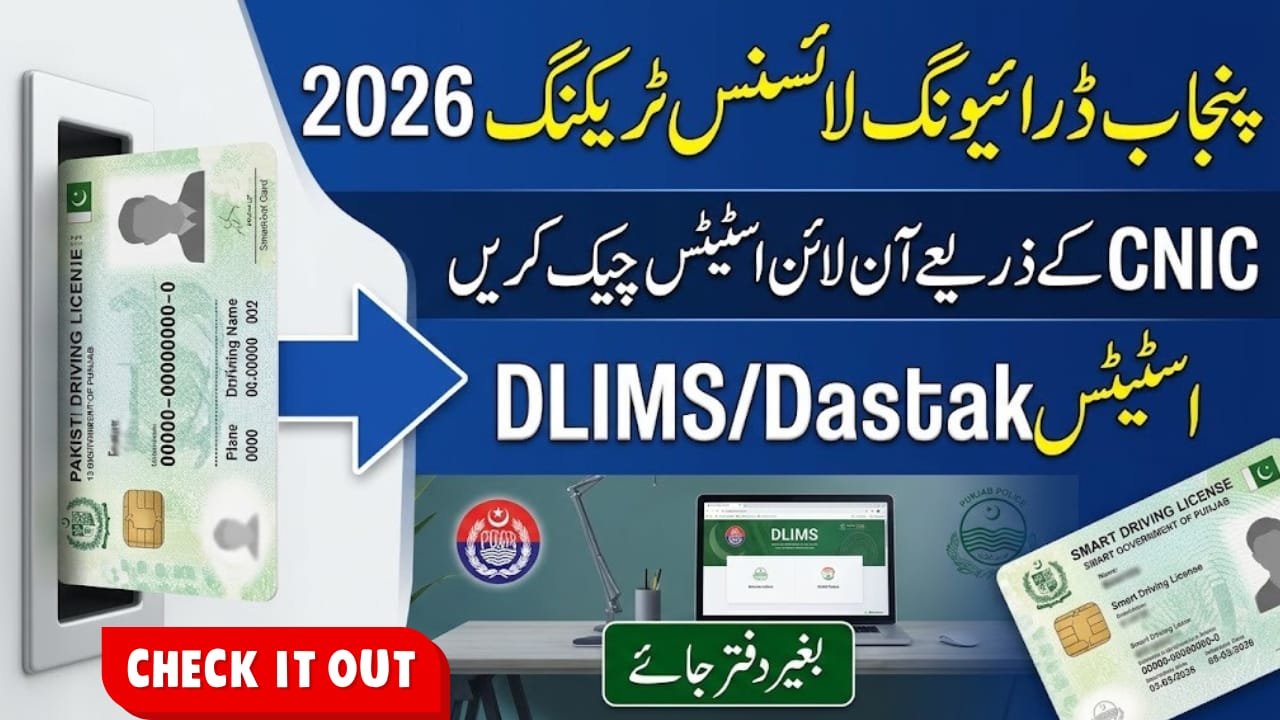
Driving License Tracking Punjab 2026 allows applicants to check the progress of their driving license applications without visiting a licensing office. Punjab’s Driving License Information Management System (DLIMS) provides online tracking for license-related services. The government has also integrated DLIMS services with the Dastak one-window platform. In this guide, you will learn how to check your license status using your CNIC, understand the tracking process, and find out what to do if your application information does not appear online.
Quick Information Table
| Detail | Information |
|---|---|
| Service Name | Punjab DLIMS |
| Department | Punjab Police |
| Province | Punjab, Pakistan |
| Online Platform | DLIMS / Dastak |
| Tracking Method | Online |
| Required Information | CNIC number |
| Tracking Fee | No separate tracking fee stated |
| Contact Number | 042-99202892 |
Overview of Driving License Tracking Punjab 2026
The Driving License Information Management System manages driving license applications, renewals, upgrades, verification, and card processing across Punjab. It helps applicants follow their license progress and reduces the need to visit offices just to ask about an application.
The updated DLIMS platform is integrated with the Government of Punjab’s Dastak one-window service. Applicants can access available license services through this system and manage their applications online.
Latest Updates About DLIMS Punjab
The official DLIMS website now identifies Dastak as the central platform for its services. It also provides application tracking, secure payments through the ePay system, and account access.
Applicants with previous DLIMS records can link their existing accounts with Dastak to transfer earlier applications and records. Therefore, users should check the updated platform instead of relying only on older DLIMS pages.
Eligibility Criteria
Who Can Check Their License Status?
The tracking service is intended for people who have applied for a driving license through Punjab’s licensing system. This includes applicants who have submitted applications for:
- Learner driving licenses
- Regular driving licenses
- License renewals
- License upgrades
Applicants should use the CNIC information associated with their application.
Required Conditions
- The application must have been submitted through the relevant licensing system.
- The CNIC number should be entered correctly.
- Previous applicants may need to link their DLIMS account with Dastak.
Benefits of Online License Tracking
Driving license tracking offers several useful benefits:
- Check application progress from home.
- Avoid unnecessary visits to licensing offices.
- Follow the license processing and dispatch stages.
- Access available services through the Dastak platform.
- Keep track of previous applications after linking an existing account.
Required Documents and Information
You generally need the following information to check your application:
- Original 13-digit CNIC number
- Driving license application details, if available
- Registered account information for Dastak, if login is required
Keep your application receipt or reference details available if you need to contact the department about a delayed application.
How to Track Your Driving License Online in Punjab
Follow these steps to check your license status:
- Open the official DLIMS Punjab website.
- Select the tracking option available on the website.
- Enter your 13-digit CNIC number in the required field.
- Complete the CAPTCHA or verification step if displayed.
- Submit the information to view the available tracking result.
- Check the displayed application or card status.
If the website directs you to Dastak, create an account or log in. Previous applicants can use the account-linking option to transfer their existing DLIMS records.
What If Your License Status Does Not Appear?
First, check your CNIC number and application details for typing mistakes. If you recently submitted an application, its information may not appear immediately. Try again later.
For unresolved issues, contact the DLIMS support team at 042-99202892 or email info@dlims.punjab.gov.pk.
Frequently Asked Questions (FAQs)
1. How can I check my Punjab driving license status online?
Visit the official DLIMS tracking page, enter your CNIC number, complete any verification step, and submit the information.
2. Can I track my driving license using CNIC?
Yes. Applicants can use the CNIC associated with their application to check the available tracking information.
3. Is DLIMS connected with Dastak in 2026?
Yes. The official DLIMS platform has integrated its services with the Dastak one-window system.
4. What should I do if my license status is not showing?
Check your CNIC and application details. If the problem continues, contact DLIMS support for assistance.
5. Can I track my license card after approval?
You can check the available application and card-processing information through the official tracking service. Dispatch details may appear when the card reaches that stage.
Conclusion
Driving License Tracking Punjab 2026 makes it easier for applicants to follow their license applications online. By using the official DLIMS platform and its Dastak integration, applicants can check available status information with their CNIC and avoid unnecessary visits to licensing offices. Always enter accurate details and use the official government platform to protect your personal information. If your application status is missing or delayed, contact the DLIMS support team for further guidance.