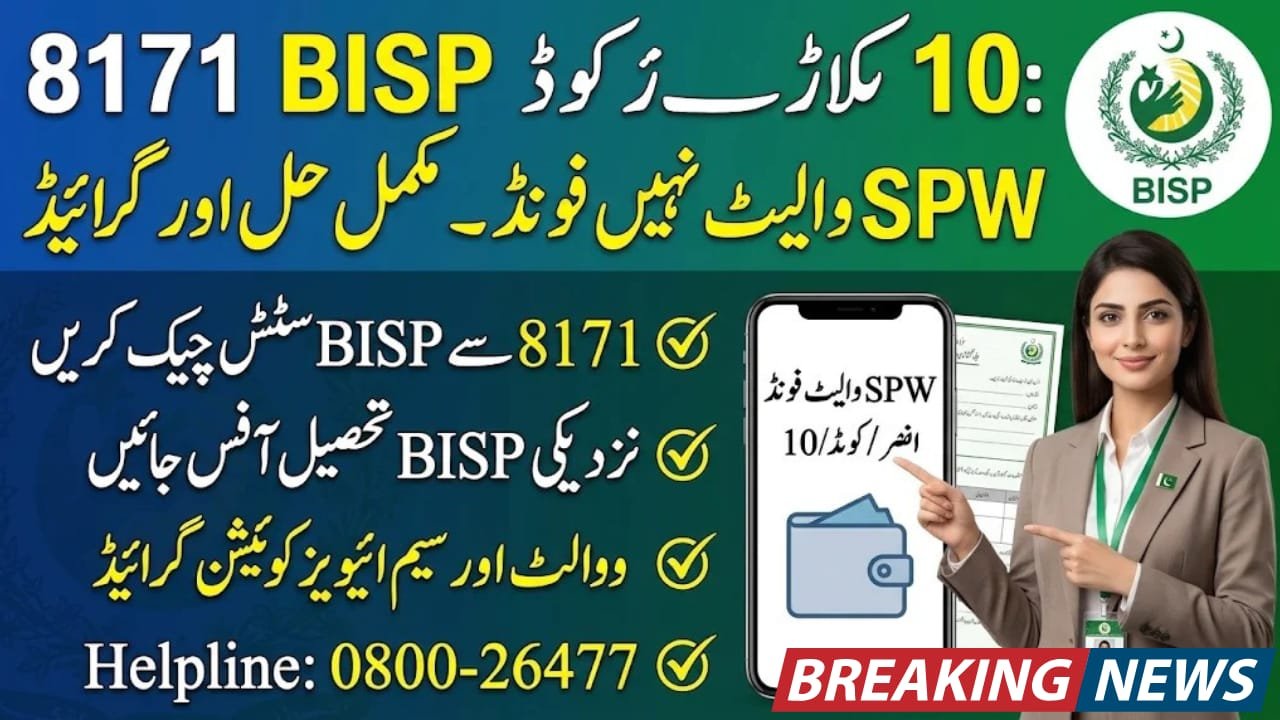
8171 BISP Error Code 10
8171 BISP Error Code 10 is a payment-related message that beneficiaries may encounter when the system cannot locate their Social Protection Wallet (SPW). This issue can interrupt the process of receiving Benazir Kafaalat payments. However, beneficiaries should not assume that this error automatically means their BISP eligibility has been cancelled. This guide explains what the message means, why it may appear, how to check your registration status and which official steps to follow to resolve the wallet problem safely.
Quick Information Table
| Information | Details |
|---|---|
| Programme | Benazir Income Support Programme |
| Error Message | Error Code 10 – SPW Wallet Not Found |
| SPW Meaning | Social Protection Wallet |
| Affected Service | BISP digital payment system |
| Main Verification | CNIC and beneficiary record |
| Registration Support | BISP Tehsil Office |
| Official SMS Service | 8171 |
| Official Website | bisp.gov.pk |
| Helpline | 0800-26477 |
| Error Correction Fee | No official fee |
What Does 8171 BISP Error Code 10 Mean?
SPW stands for Social Protection Wallet. It is part of BISP’s digital payment initiative, designed to provide beneficiaries with a more convenient way to receive financial assistance.
The message “SPW Wallet Not Found” indicates that the payment system cannot locate the required wallet record linked to the beneficiary.
This may happen because wallet creation, registration or activation has not been completed. However, BISP has not published an official public list explaining every numbered error code. Therefore, beneficiaries should confirm the exact problem through an authorised BISP office.
Why Does the SPW Wallet Not Found Error Appear?
Several issues may contribute to this message:
- The beneficiary’s digital wallet has not been created.
- The wallet activation process remains incomplete.
- CNIC or registration information requires verification.
- The beneficiary’s mobile number or SIM details are not properly linked.
- The payment system has not updated the relevant record.
- The payment account requires further verification.
These are possible explanations, not officially confirmed causes for every Error Code 10 case.
How to Fix 8171 BISP Error Code 10
Follow these steps to investigate and resolve the issue.
Step 1: Check Your BISP Status Through 8171
First, check the beneficiary’s registration and payment status.
Send the 13-digit CNIC number without dashes to 8171. Alternatively, use the official BISP website to access available information.
Read the response carefully and keep the exact error message for reference.
Step 2: Visit the Nearest BISP Tehsil Office
If the wallet does not appear in the system, visit the nearest BISP tehsil office with the original CNIC.
Ask the staff to check whether your beneficiary record is complete and whether any wallet-related verification remains pending.
Step 3: Verify Your SIM and Wallet Information
If your wallet is linked to a Benazir SIM, ask BISP staff to confirm its registration and activation status.
Do not purchase another SIM or pay an agent to activate your wallet without official instructions.
Step 4: Contact BISP for Further Assistance
If the problem continues, contact the BISP helpline at 0800-26477 or visit an authorised office.
Explain the exact error message and provide your CNIC information through the official channel.
Required Documents
Keep the following items ready when visiting a BISP office:
- Original CNIC of the beneficiary.
- Registered mobile phone and SIM, if applicable.
- BISP registration information.
- Screenshot or details of the error message.
- Previous payment SMS, if available.
Important Instructions for Beneficiaries
Remember these safety precautions:
- Never share your OTP, PIN or confidential information.
- Do not pay agents for wallet activation or error correction.
- Use 8171 for official BISP SMS communication.
- Never hand your mobile phone to an unauthorised person.
- Collect your payment only through authorised channels.
BISP-related registration and official verification services should not involve unofficial agent fees.
Frequently Asked Questions (FAQs)
1. What is 8171 BISP Error Code 10?
It is a message associated with an SPW Wallet Not Found problem, meaning the payment system cannot locate the required beneficiary wallet record.
2. Does Error Code 10 mean my BISP payment is cancelled?
No. This message alone does not confirm cancellation of eligibility. You should verify your payment and beneficiary status through BISP.
3. How can I check my BISP status?
Send your 13-digit CNIC number to 8171 or use the official BISP information channels.
4. What is the BISP helpline number?
The BISP toll-free helpline is 0800-26477. You can contact it for programme-related guidance.
5. Can an agent fix the SPW Wallet Not Found error?
Do not trust private agents who demand money or promise guaranteed activation. Contact BISP directly for verification and correction.
Conclusion
The 8171 BISP Error Code 10 message can prevent beneficiaries from completing their payment process, but it does not automatically mean that their financial assistance has been cancelled. The first step is to check the CNIC status through 8171 and then visit the nearest BISP tehsil office for wallet verification. Keep your original CNIC and relevant registration details ready. Always follow official instructions, avoid paying agents and protect your personal information while resolving digital wallet problems.